Done-for-you course creation
Coordinate the production work from planning through course delivery.
Home / Onboarding video guide
A practical guide for 2027
Give new franchisees and employees a consistent starting point, then reinforce it with practice, coaching and clear standards.
Plan Your Onboarding CourseExplore the Guide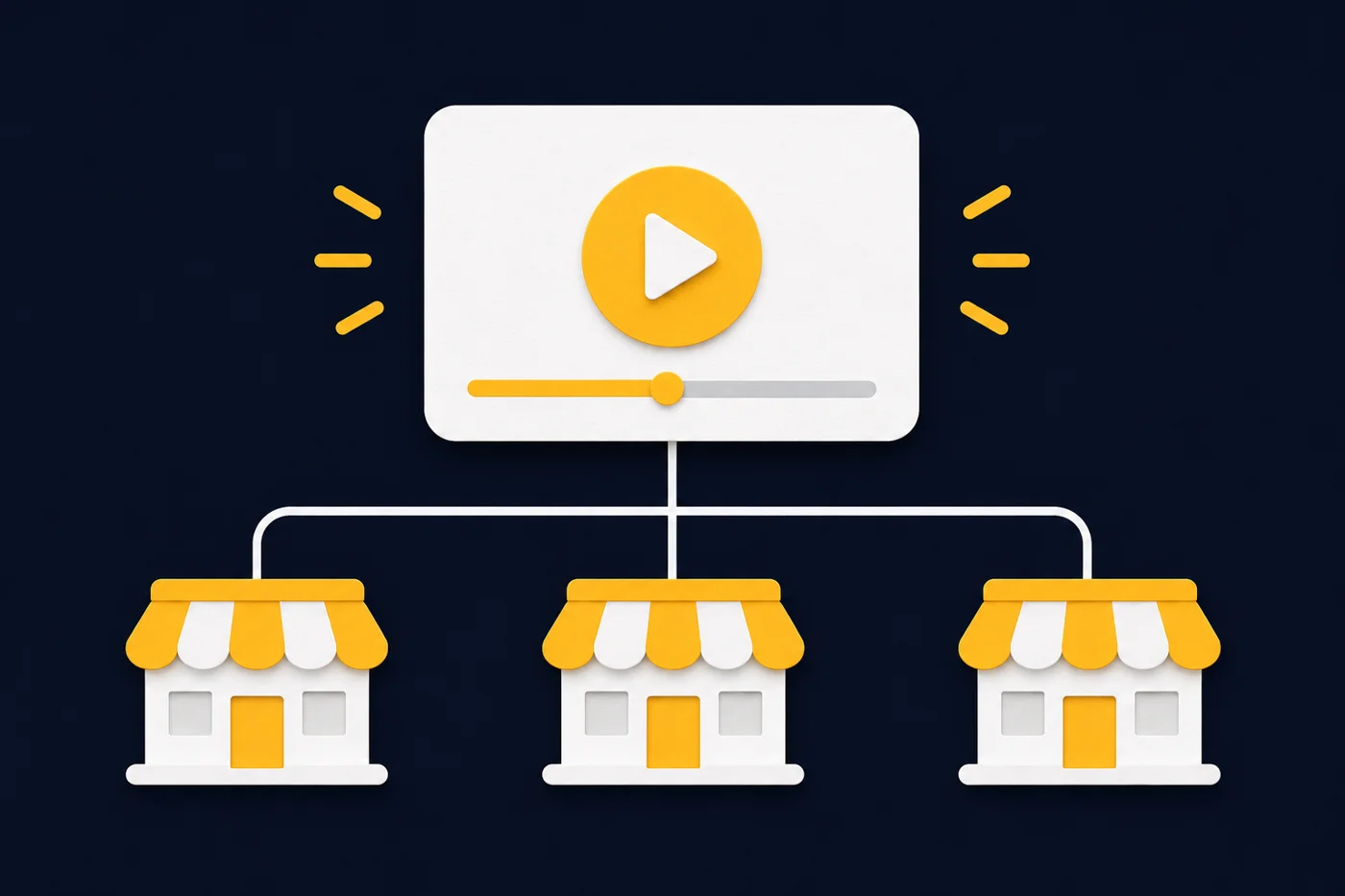
A focused 30-minute conversation
Discuss a video course for new franchisees, managers or employees.
Bring your current training materials and the role you want to support. We’ll discuss a practical filming, editing and course setup scope.
Open the Scheduling CalendarChoose an available time in the calendar. If it does not load, use the scheduling link.
When a franchise adds locations or a business hires repeatedly, the same explanations often depend on whichever manager is available. A structured video onboarding course gives each new learner access to the same approved demonstration, sequence and supporting resources. Managers can then spend more time answering questions, coaching and checking performance.
For your 2027 training plan, the opportunity is to build a dependable training system: video for repeatable explanations, written job aids for quick reference, and people for practice and feedback. It is a planning approach, not a promise that video alone will improve retention or remove training costs.
A document can explain how a customer handoff should work. A filmed demonstration can show the sequence, the language, the screen and the finished result. That is useful for tasks where the details are difficult to communicate through a paragraph or a rushed conversation.
Record the actual approved process with a subject expert. Include the common mistake and what to do when the normal path fails. Our online course video production approach focuses on clear demonstrations, sound and readable visuals.
A reusable lesson reduces the need to deliver the same introductory explanation from scratch every time someone joins. The local manager still puts the lesson in context and observes the learner doing the work. A shared course also gives field support a specific lesson to reference when a question recurs.
The benefit depends on people using the course and the process being accurate. A library nobody can find will not relieve your support team.
A new employee may not remember every step from an orientation session. Searchable lesson names and a simple module map give them a place to revisit the process before asking for help. Organize around tasks such as “Close the daily register” rather than filenames such as “Training video final 4.”
Keep the matching checklist beside the lesson. Video supports learning the task; the job aid supports carrying it out.
Separate lessons make it easier to replace an outdated software demonstration or revised service procedure without rebuilding an entire orientation recording. Keep a content owner, version and next review date for each topic.
Changing one video does not automatically update every learner. Decide who needs the revised lesson, how they will be notified and what follow-up proves the change was understood.
A franchisee is learning to operate a business within a brand system. An employee is learning a role within that business. Some content overlaps, but giving everyone the same long course wastes attention and can expose information to people who do not need it.
| Learning path | Useful video topics | Human follow-up |
|---|---|---|
| New franchisee or owner | Brand standards, opening milestones, approved systems, reporting workflows and support channels. | Franchise coach reviews an opening plan and resolves location-specific questions. |
| Location manager | Daily operating routines, assigning training, handling exceptions and documenting readiness. | Experienced manager observes a shift or a realistic scenario. |
| New employee | Role-specific tasks, customer interactions, equipment demonstrations and where to get help. | Supervisor watches the task and provides feedback before independent work. |
The International Franchise Association’s onboarding webinar describes a sequence that includes pre-training, initial training, hands-on launch support and ongoing coaching. Its Foundations program also combines video with assignments and case studies. These examples support treating video as one part of a broader learning experience, rather than the whole onboarding process.
Start with course structure and development when your existing manuals, slides and informal explanations need to become distinct learning paths.
Build around the first tasks a learner needs to perform reliably. A useful first course can be small: one audience, a handful of essential workflows and clear checks of understanding. The example below is a planning framework to adapt to your operations, not a universal curriculum.
Use a repeatable lesson format: explain the outcome, show the process, let the learner attempt it, and identify when to ask for help. Film visible actions and pair screen recordings with readable supporting instructions.
Before recording, use the professional course filming guide to prepare demonstrations, slides, locations and presenters.

Explain the role, what the learner should be able to do, the training sequence and who supports them. Introduce the people behind the brand. Give new franchisees a clear route to their coach and employees a clear route to their supervisor.
Show the actual tools and steps for the role. Cover the normal process first, then a realistic exception. For a service business, that might be preparing a job, documenting work, handing the customer over and closing the record.
Add a short scenario, relevant knowledge check or practical exercise. “Video completed” only tells you a system recorded completion. It does not show that the learner can do the task. Define what a supervisor must observe and record.
Attach the current job aid, approved resource links and escalation path. Make essential information easy to find after orientation. Include a way to flag a broken link, unclear step or outdated demonstration.
Let the task determine the running time. A short lesson should still explain enough to perform the action correctly. Split a broad topic when it contains several independent tasks; do not cut a complete demonstration into arbitrary fragments just to make every video the same length.
Use course video editing to remove repetition, clarify pacing and keep the important action visible. Clear audio and readable screens matter more than decorative effects.
Review captions and transcripts, especially product names and technical terms. Test slides and screen recordings on a small screen. Consider the languages your teams use, the devices they actually have and the connection available at each location.
Provide approved training time and a practical way to participate. A course that requires a personal device or uninterrupted headphones may not fit the work environment you are designing for.
Write the requirements before choosing software: separate learner groups, permissions, lesson assignment, completion reports, manager access, content updates and access removal. Ask how the system handles people who change roles or leave, and test the reports your team will actually use.
A creator platform can suit a straightforward course library. A complex franchise network may need a corporate LMS with location reporting, integrations or standards such as SCORM. Confirm those capabilities with the vendor; video hosting alone is not the same as a complete training system.
If Kajabi fits the project, our Kajabi course setup services and Kajabi setup checklist explain course organization and access testing. We do not assume that one platform meets every franchise’s reporting or integration needs.
Use this as an example rollout, adjusting it to the availability of your experts and learners. It is a suggested pilot schedule, not a production turnaround guarantee.
Choose one role and a specific task that generates repeat questions or inconsistent results. Ask managers and recent starters where the confusion occurs. Record the current training effort and define what successful performance looks like.
Turn the approved process into a short outline and demonstration plan. Have the process owner review it before filming. Capture the task, common errors and the relevant screen or equipment details. Prepare the companion checklist.
Upload the edited lesson and resource. Assign it to a small pilot group. Check invitations, login, mobile playback, permissions and manager visibility using a test learner account. Adapt our course launch checklist for internal enrollment rather than a public paid checkout.
Ask the learner to demonstrate the task. Collect manager feedback and log recurring questions. Compare results with the starting point, revise the lesson and decide whether to expand. Keep a record of what changed so future groups receive the approved version.
Pick a few measures before the pilot starts. Track whether learners receive the training, understand it and apply it. A completion dashboard is useful for administration, but operational results need a separate check.
| Measure | How to use it | What it cannot prove alone |
|---|---|---|
| Assigned and completed lessons | Find missed invitations, access issues and unfinished training. | Competence or readiness to work independently. |
| Observed task performance | Use a consistent supervisor checklist and record needed coaching. | That the course caused every improvement. |
| Repeat questions and avoidable rework | Look for patterns before and after the pilot. | A fair comparison if roles or conditions changed substantially. |
| Manager training effort | Compare repeated explanation time, coaching and follow-up. | Guaranteed savings after production and maintenance costs. |
Account for production, platform administration, updates and manager time when evaluating cost. Compare similar roles and conditions, and document the limits of a small pilot. Do not turn an encouraging first group into a company-wide ROI claim without enough evidence.
Give each module an owner and a review trigger. A change to software, equipment, a product or an approved procedure should prompt a content check. Retire obsolete files, update linked job aids and tell the affected learner groups what changed.
Keep brand-wide standards separate from local instructions so a learner knows which applies. Use approved access controls for internal information, and have the responsible subject experts review high-risk procedures. Video should support the required hands-on instruction, supervision and qualification process for the task.
AI tools may help draft outlines, captions or lesson summaries, but verify their output against approved processes. Do not let an AI-written summary quietly become a new operating rule. For 2027, a maintainable source of approved training is a stronger foundation than a growing folder of disconnected recordings.
They can carry repeatable explanations and demonstrations. People still need introductions, questions, practice, feedback and appropriate supervision. Use a blended approach based on the actual task.
Share relevant core lessons, then separate ownership, management and employee tasks. Assign content and permissions to the responsibilities of each role.
It depends on the approved scope, content volume, filming, editing, resources and delivery system. Review our course creation pricing guide for the existing full-production package; it is not a per-employee LMS price or a quote for every franchise project.
Yes, they can be starting materials. Audit accuracy, permissions and missing demonstrations first. An outdated manual should be corrected before its contents are recorded or repackaged.
Choose one important recurring task and one learner group. Approve the process, build a focused lesson, test access and observe performance. Expand after you have evidence that the pilot helps.
Bring an approved manual, outline or a few example workflows to a discovery call. We can discuss filming, editing, organization and platform delivery. Specialist LMS integrations and ongoing training administration need their own confirmed scope.
Coordinate the production work from planning through course delivery.
Organize the role, outcomes and lesson sequence before recording.
See how preparation, filming, editing and setup fit together.
Published November 17, 2026, for 2027 planning. The rollout and curriculum examples above are recommendations, not forecasts or documented client results.