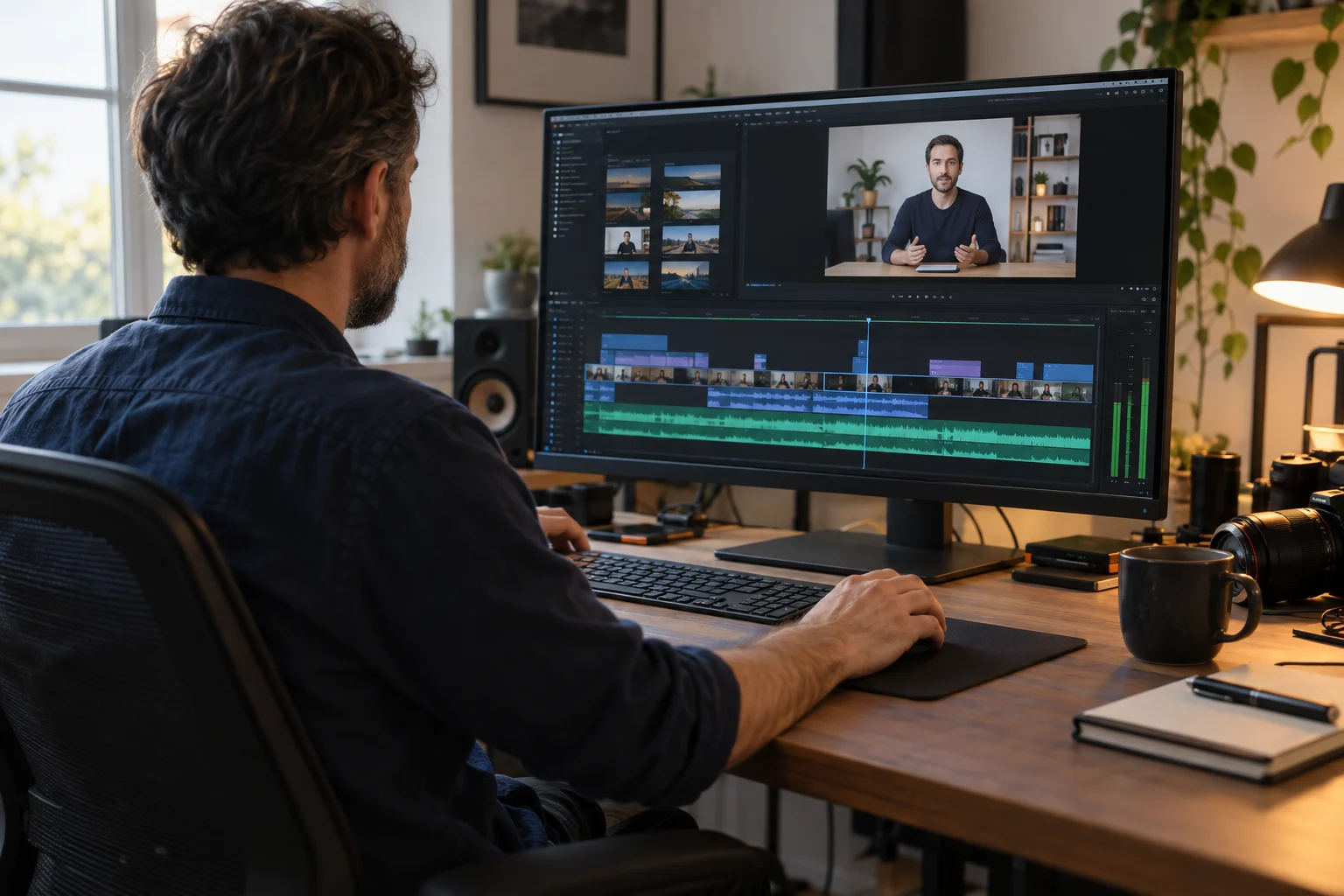
Edit for understanding, not just appearance
Course editing has a different purpose from a social media highlight reel. Students need time to understand an explanation, read a slide and follow a demonstration. The edit should remove distractions without cutting away the context that makes a lesson useful.
Our course video editing work is part of the production package that turns recorded expertise into a finished course. We review the material, organize lessons and apply a consistent visual and audio treatment. If you already have recordings, bring a sample to discovery so the required work can be assessed.
From raw takes to organized lessons
A useful starting point is a lesson list that matches the footage. Label recordings by module and topic, identify approved takes where you can, and flag errors that need a correction rather than an ordinary cut. This gives the edit a structure and helps avoid confusion between versions.
The editing plan should identify repeated takes, pauses and material that belongs in a different lesson. A short recap may help students; removing every pause can make an explanation feel rushed. Decisions should support the teaching rather than chase a fixed video length.
Audio cleanup, color and branded graphics
The existing package includes audio cleanup, color grading, branded intros, lower-thirds and graphics. Consistent audio levels and visual presentation help lessons feel like one course even when they were recorded in separate sessions.
Graphics are most useful when they label a process, identify a speaker or clarify a key point. Provide the final version of any slides and reference materials, plus your approved logo and brand assets. Dense slides or hard-to-read screen captures may need to be revised before editing can make them useful.
Know when footage needs to be recorded again
Editing can improve presentation, but it cannot reliably restore information that was never captured. Distorted speech, missing demonstrations or an outdated explanation may require a new recording. A sample review before the full project helps identify those limitations.
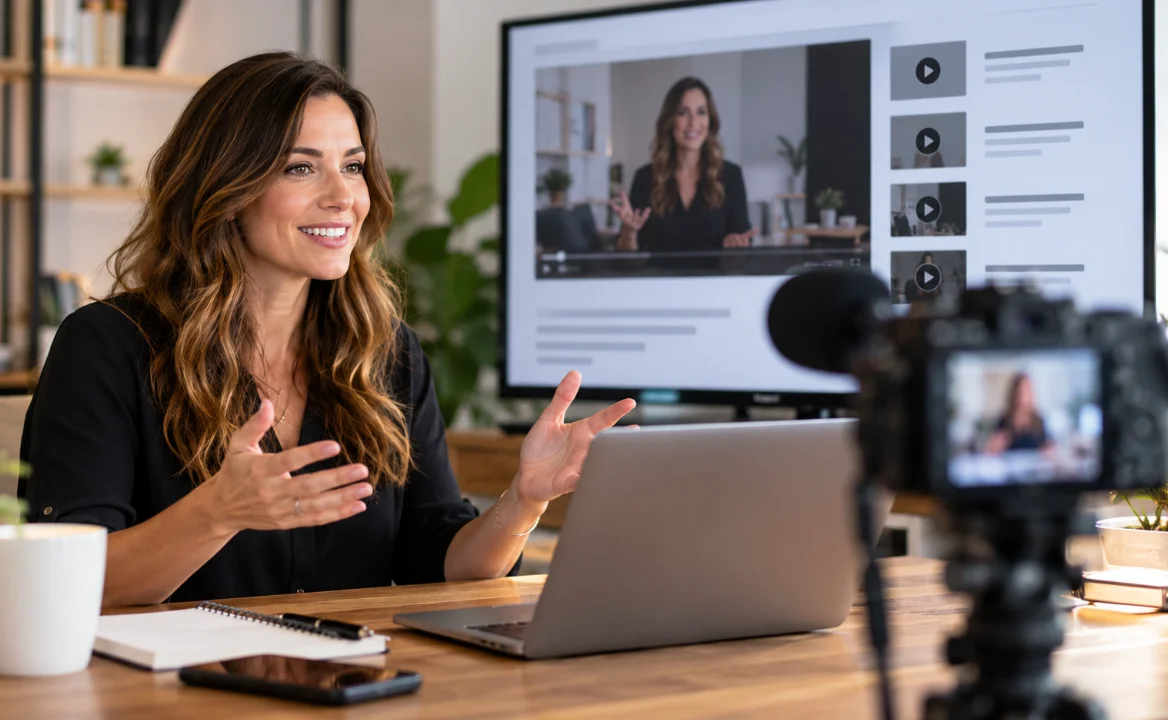
If important lessons need new footage, connect the editing plan with professional course filming. Updating a specific lesson is often easier to manage when the module structure and visual style are already documented.
Review feedback and final delivery
Before work starts, agree how feedback will be supplied, who has final approval and what the delivery requirements are. Consolidated notes with lesson names and timestamps are easier to act on than several conflicting message threads.
Your quote should define revision arrangements, file delivery and any special formats. Caption files, translations, extensive motion graphics and raw project files should be discussed explicitly. We do not publish an assumed revision count or promise that every additional format is part of the standard package.
Connect finished videos with your course platform
The final files should match the agreed lesson map and platform requirements. Use clear file names so uploads stay in the right order. When editing is part of the done-for-you course package, we can coordinate the finished lessons with Kajabi course setup or another supported platform.
The $6,000–$10,000 advertised range covers the complete production package, including filming and setup. It is not an editing-only quote. See course pricing factors and bring footage length, lesson count and sample recordings to a discovery call.