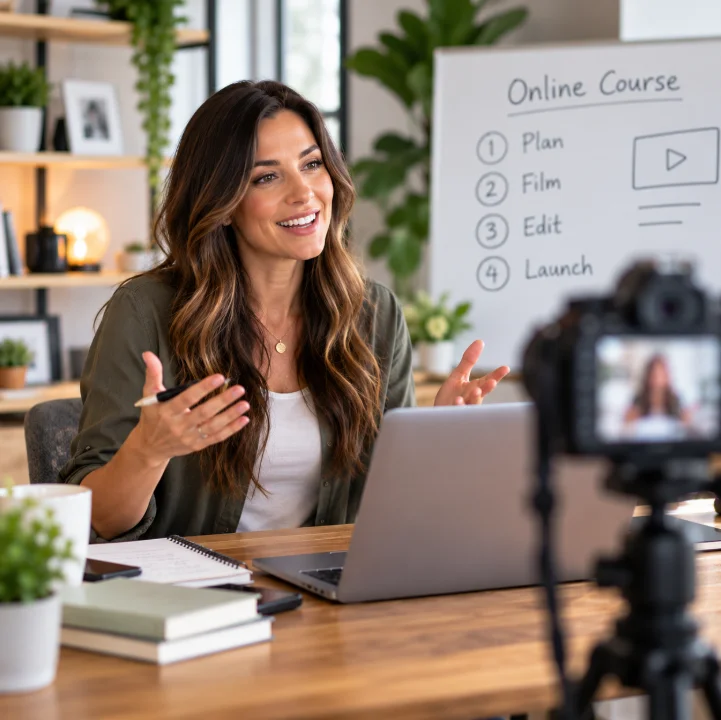
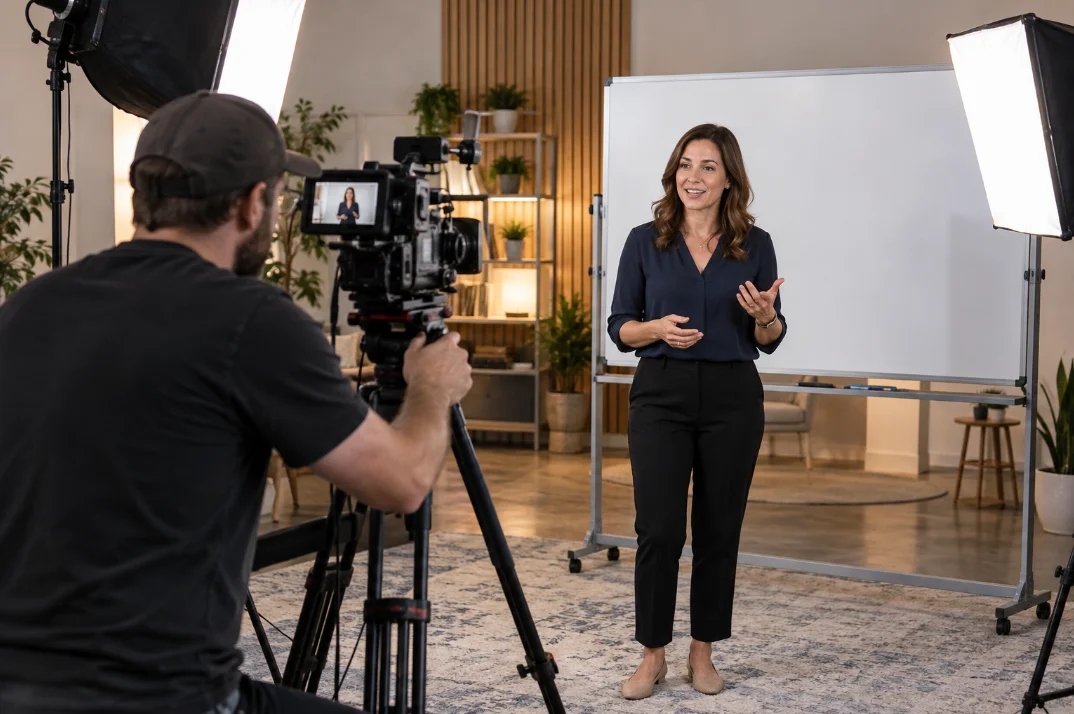
Start with the course, not the recording software
Course development is the work of deciding what to teach, how to organize it and what needs to be produced. A camera can capture an explanation, but the project still needs a practical learning sequence. Our development approach connects your course structure with filming, editing and platform setup.
This page focuses on planning and organizing the course itself. If you are ready for a complete production project, see our done-for-you course creation package. If your materials are scattered across slides, guides and recordings, start by identifying what is useful and what needs updating.
Define the audience and the practical outcome
Before listing modules, describe who the course is for and what they should be able to do afterward. A new employee learning a routine needs different context from an experienced practitioner learning an advanced technique. The same subject may need a different sequence for each audience.
Write down the starting knowledge you expect and the tasks students need to practice. This helps keep the course focused. Material that is interesting but unrelated to the intended result may belong in a reference guide or a later course rather than the main lesson path.
Turn existing expertise into a module map
Collect the workshops, presentations, documents and recordings you already use. Group related ideas, remove repeated explanations and identify gaps. Then arrange the modules so students encounter prerequisite concepts before the tasks that depend on them.
A working course map can include a lesson title, its purpose, the source material, the recording format and a related download. For example, a process lesson could pair a demonstration video with a checklist. This is a practical production document as well as a guide to the learner experience.
Course structure and instructional design considerations
Our current offer includes organized curriculum and lesson structure. That means we can discuss module flow, lesson organization and the relationship between videos and supporting materials. Your subject expertise remains central to deciding what is accurate and necessary.
Specialist instructional design, formal assessments, accreditation, compliance review or custom interactive learning should not be assumed from a video production package. Raise those requirements during discovery so capability, responsibilities and scope can be confirmed. We do not claim instructional design credentials that have not been verified.
Plan what needs to be filmed, edited or rebuilt
Once the structure is clear, assign a production approach to each lesson. Some topics work well as a presenter explanation; others need a demonstration, a screen recording or a supporting guide. Identify old examples and lessons that need to be recorded again before editing begins.
Connect this plan with course video production and post-production editing. A clear lesson list helps the shoot stay focused and reduces uncertainty when the finished files are organized on the platform.
Build, review and hand off the course
The platform build should follow the approved structure. Organize the final lessons, place supporting resources where they are needed and review the experience on desktop and a smaller screen. In Kajabi course setup, the module plan becomes the basis for uploads and student navigation.
Prepare a review list that separates teaching corrections, presentation changes and access issues. Keep one approved version of the course map and agree who signs off the final content. The production process and pricing guide explain how this planning fits the complete package.