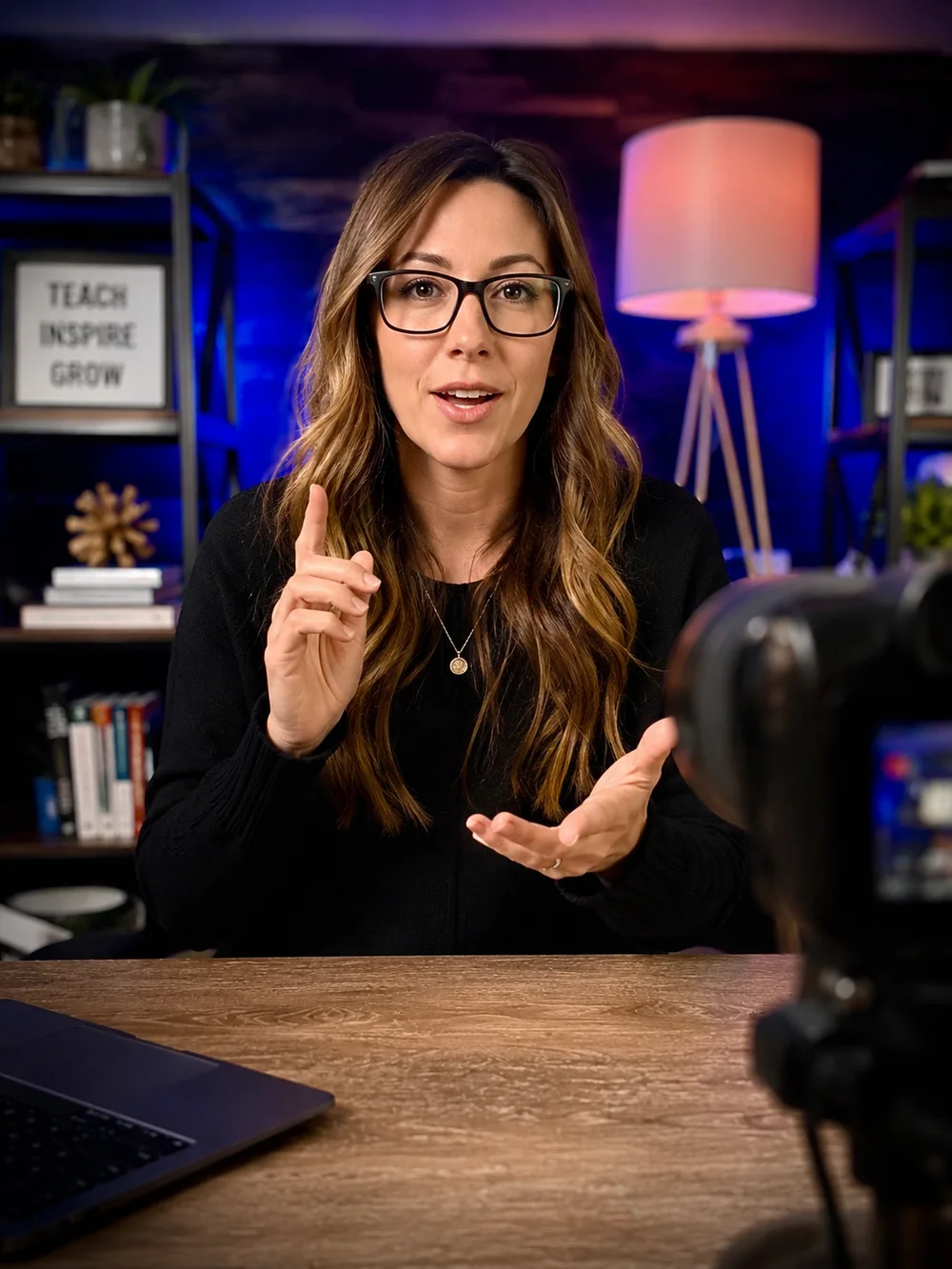

1. Discuss the course and define the scope
The project begins with a discovery conversation about your audience, subject, existing materials and intended course. We discuss where you are starting, what needs to be produced and which platform will deliver the lessons. The goal is a production plan that matches your content rather than a generic lesson count.
Bring an outline, examples of your current teaching materials, a filming location and any important schedule constraints. The quote should identify the agreed deliverables and responsibilities. Our pricing guide explains the $6,000–$10,000 full-production package and the factors that affect it.
2. Prepare the structure and shot list
During pre-production, we align on the course structure, shot list and set requirements. Organize the material into modules and give each lesson a clear purpose. Gather approved slides, examples and supporting guides so the shoot is based on the material students will actually use.
Confirm presenter availability, demonstration equipment and the recording space. If a lesson needs a correction or a missing example, address it before recording. A well-prepared outline keeps the filming days focused; it does not require every course to use the same teaching style.
3. Record during three focused days on site
Our full-production package includes three full days of recording at your U.S. location. We bring professional cameras, lighting and audio, direct the sessions and manage the recording setup. You teach the material.
The schedule follows the agreed shot plan. Related lessons and demonstrations can be grouped to reduce setup changes. The number of completed lessons depends on their length, preparation and complexity, so the plan should be realistic about retakes and changes in location. Read more about course video production and filming.
4. Edit the lessons and apply the course style
Post-production turns the recordings into finished lessons. Our package includes video editing, color grading, audio cleanup, branded intros, graphics and lower-thirds. Thumbnails and module artwork give the course a consistent presentation.
Agree on the review process and deliverable requirements before editing begins. Useful feedback names the lesson and the relevant timestamp, explains the requested correction and comes from the agreed approver. Caption files, translations or extensive animation should be scoped explicitly. See our course editing services.
5. Organize the course on the platform
We upload and organize the finished course in Kajabi or the selected supported platform. The approved module map guides the lesson order, presentation and supporting materials. Course branding and student access are part of the existing setup offer.
Review the build from a student’s perspective. Check the first lesson, navigation, video playback and placement of resources on desktop and a smaller screen. Your business should confirm the access arrangement before enrollment begins. Learn about Kajabi course creation and setup.
6. Review, confirm and prepare for delivery
The final review should separate content accuracy, presentation corrections and platform issues. The subject expert approves teaching accuracy. The agreed project approver confirms the finished materials and access requirements. Keep the final course map and approved version organized for future updates.
Our current offer is built around a three-day shoot and a 30-day delivery target. The schedule must be confirmed against scope, content readiness, editing needs, platform requirements and review availability. A production target should not be treated as an unconditional deadline for every project. The done-for-you package brings these stages together in one coordinated engagement.