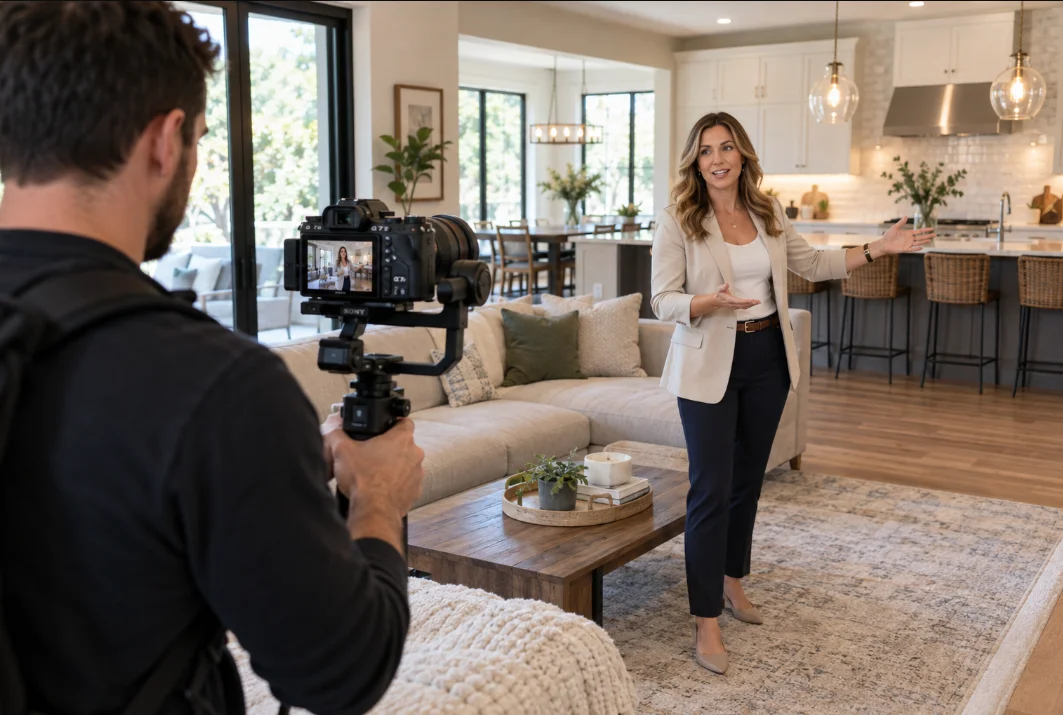

Write a brief before comparing providers
Start with the course you want students to experience. Describe the audience, the task or subject you teach and how students will use the course. A paid program, employee onboarding library and customer education series may share video formats but need different structures and access arrangements.
Your first brief does not need polished marketing copy. It needs enough information for a provider to assess the work: an outline, existing materials, likely lesson formats, filming location, presenters and intended platform. Separate confirmed decisions from questions that are still open.
Ask what “done for you” actually covers
The phrase can describe anything from uploading videos to coordinating an entire production. Ask for a written description of planning, filming, editing, graphics, course organization and platform setup. If you need sales pages, email, advertising or ongoing administration, list those separately.
A useful scope identifies what you supply and what the production team supplies. For example, who approves the teaching outline? Who prepares the slides? Who checks subject accuracy? If a provider will organize the curriculum, ask what that means in practice and whether specialist instructional design is part of the engagement.
Compare production assumptions, not just totals
Two proposals may both promise a finished course while allowing very different amounts of work. Compare filming days, locations, presenters, lesson volume, editing requirements and delivery formats. Ask how demonstrations, screen recordings and branded graphics are handled.
Be cautious about a fixed lesson count without a discussion of lesson length and complexity. A brief explanation and a detailed practical demonstration create different production demands. A reasonable plan explains the assumptions behind the schedule and what changes if those assumptions no longer hold.
Review relevant work with permission
Look for examples that help you assess teaching clarity, sound, readable visuals and consistency between lessons. A fast promotional reel may show production polish without demonstrating how a complete lesson works. Ask how the example relates to the course you want to create.
Client permissions matter. A provider should not disclose confidential training or private course material simply to prove experience. Public approved samples and permission-based demonstrations are appropriate. If an example is unavailable, ask for a clear explanation of the process and deliverables rather than accepting unsupported results claims.
Settle reviews, rights and access before production
Agree who can approve work and how feedback will be collected. Consolidated notes with lesson titles and timestamps reduce confusion. The proposal should define revision arrangements, final file delivery and what happens when a new request changes the scope.
Confirm ownership and licensing, whether raw footage or project files are delivered, and whether any stock assets have usage restrictions. Keep platform ownership and billing with your business. Use appropriate invited access where possible and remove access when the work is complete. The agreement, not an assumption, should settle these terms.
Check the handoff from editing to platform delivery
A finished folder of videos is different from a course students can use. If platform setup is included, ask how lessons are organized, how resources are placed and how access is reviewed. Check the experience on desktop and a smaller screen before inviting students.
Also ask how the course can be updated. Clear lesson names, an approved module map and organized final assets make future changes easier to manage. Avoid treating the first launch as the last time the course will ever need attention.
How to use this checklist with Elevate Courses
Our done-for-you course creation package combines nationwide on-site filming, editing, branded graphics and course setup. The published full-production range is $6,000–$10,000, with the exact quote based on scope, content volume and travel.
Use this checklist to prepare your questions. Review our course pricing guide and production process, then bring your brief to discovery. A useful conversation should clarify the work and responsibilities before you commit.